SpatialAgents are AI agents for geospatial data processing: they take a domain task and deliver analyses, maps and evidence directly in QGIS — with cloud models or entirely locally on your own network.
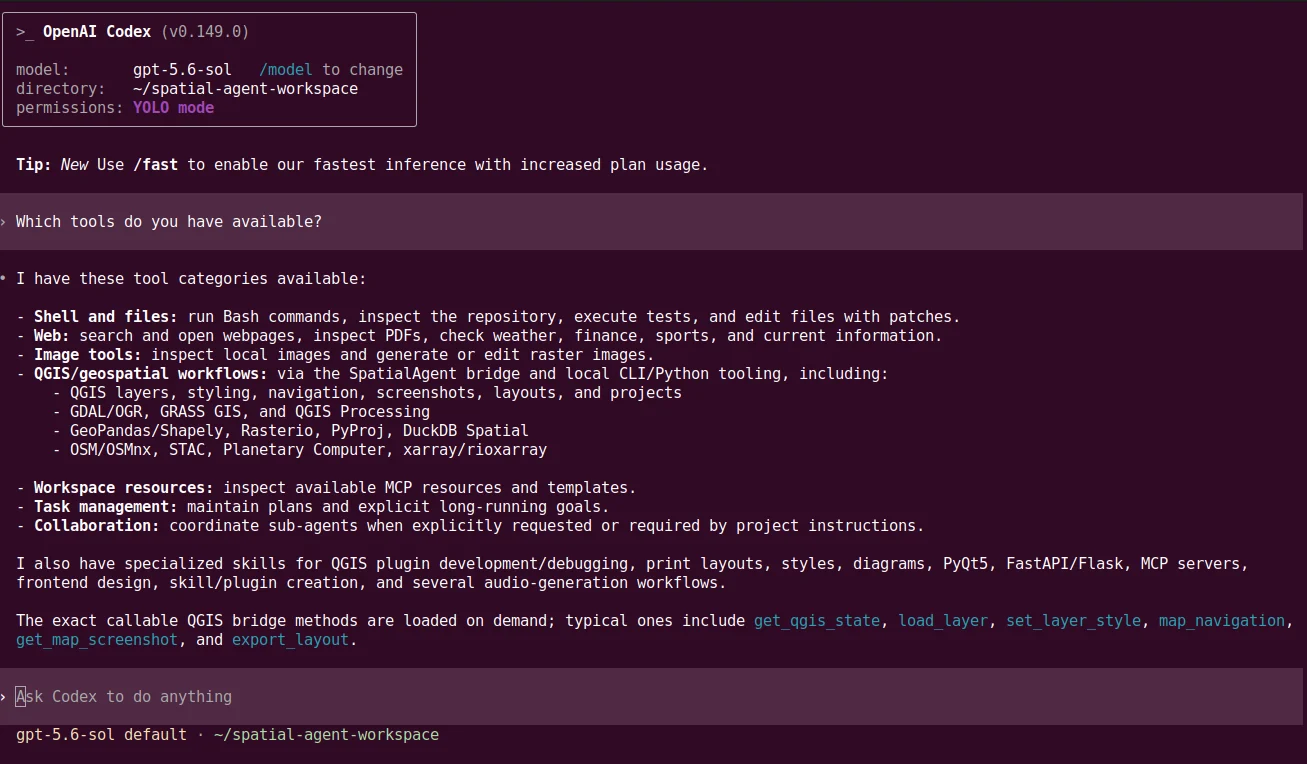
Codex CLI, Claude Code and OpenCode can each launch multiple SpatialAgents. They work on geospatial tasks in the shared workspace and use the technical bridge to access the open QGIS project, domain skills and the Geospatial API for AI agents.
This site shows the current state of research and development on the system. Projects, setup, training and support are provided by Geoinformatikbüro Dassau GmbH (GBD) ↗.
SpatialAgents / CodexCodex and the agents it launches work in the shared workspace and access QGIS and domain geospatial tools through SpatialAgents.
Locally proven · Benchmark 08 · Behördenakte
Geoprocessing without a data centre.
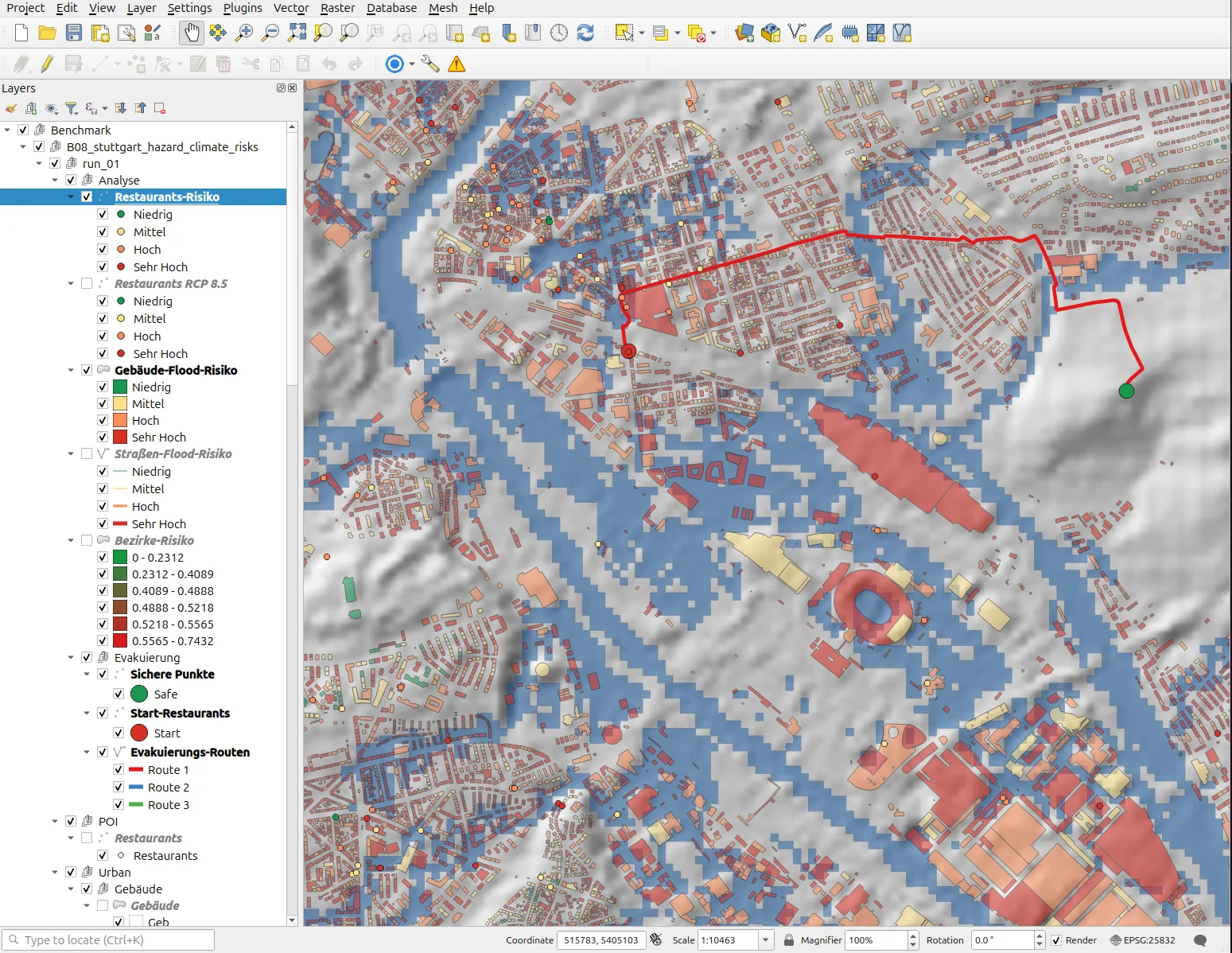
Seven agent-model systems solve the same hazard and climate analysis for Stuttgart in QGIS — among them Qwen3.8-Flash-Next on a notebook with a 70-watt GPU budget: 83.7 of 100 points, ahead of every GPT-5.6 cloud variant, with no request leaving your own network in local operation. In the Behördenakte dossier the same model reaches gold in 17 of 17 assessed runs on open ALKIS data.
Benchmark 08 / QGISThe reference run connects six hazard indices, three geometry types, inundation scenarios, climate projection and evacuation routes.
Each route answers a distinct question, from the basic terms to the assessment of completed work.
00 / Fundamentals
Thirteen sections from term to evidence.
Coding agent, tool use, MCP, skills, planning, bridge and measured evidence — each section with its own graphic, reading text and narration. The same sequence is available as a narrated presentation, 23 slides in 21 minutes.